
Sep 13, 2026
It starts like any normal development day. You pull the latest code, open your terminal, and run a simple command:
npm install
There are no warnings, no errors, and everything seems to work fine. Your APIs respond correctly, your frontend loads, and your deployment pipeline runs smoothly. But behind the scenes, something dangerous might have already happened. Without realizing it, your system could have installed a malicious package that silently opens a backdoor.
This is not a hypothetical scenario. This is exactly what happened during the Axios security incident in March 2026.
Axios is one of the most widely used JavaScript libraries for making HTTP requests. Whether you're building a frontend in Angular or React, or handling integrations in Node.js, Axios is often the go-to solution for communicating with APIs. It simplifies sending requests, handling responses, managing authentication tokens, and even intercepting requests globally.
In real-world applications—like dashboards, systems which uses API calls—Axios plays a critical role. A simple API call might look like this:
axios.get('/api/xyz')
  .then(response => {
    this.xyz= response.data;
  })
  .catch(error => {
    console.error("API Error:", error);
  });
This looks completely harmless. But if the library itself is compromised, every single request made through it becomes a potential entry point for attackers.
Between March 30 and 31, 2026, a highly sophisticated supply chain attack targeted Axios. Instead of attacking applications directly, the attackers compromised the trust developers place in open-source dependencies.
They gained access to an Axios maintainer’s npm account and published malicious versions of the library, specifically axios@1.14.1 and axios@0.30.4. These versions included a hidden dependency named plain-crypto-js, which was designed to look like a legitimate package but actually contained malicious code.
When developers installed Axios during this window, they unknowingly installed malware along with it.
The injected code wasn’t just a minor exploit. It deployed a Remote Access Trojan (RAT), which is one of the most dangerous types of malware. Once installed, it could give attackers remote access to the system, allowing them to execute commands, monitor activity, and extract sensitive data.
This included environment variables, API keys, database credentials, and authentication tokens stored in files like .env. For example, credentials such as database passwords, JWT secrets, or cloud access keys could be silently captured and sent to external servers controlled by the attackers.
What makes this more dangerous is that the malware was designed to clean up traces after execution, making it extremely difficult to detect through normal debugging.
Security researchers later linked the attack to a North Korean hacking group known for targeting developers and exploiting software supply chains. These groups often focus on high-value targets such as crypto platforms, financial systems, and developer infrastructure.
This was not a random or opportunistic attack. It was carefully planned, targeting a widely used dependency to maximize impact.
The malicious versions were available for only about two to three hours before being detected and removed. At first glance, this might not seem significant. However, in modern development environments, this is more than enough time to cause widespread damage.
Many systems rely on automated CI/CD pipelines that install dependencies frequently. Teams across different time zones continuously deploy updates, and developers often install packages without verifying each version manually. Within minutes, thousands of systems could have pulled the compromised package.
Consider a system that runs automated jobs every few minutes, such as a data aggregation service or a pipeline. If such a system executed npm install during the attack window, the malicious package could have been installed automatically. From there, it could access stored credentials, communicate with external servers, and compromise the entire environment—all without visible errors.
This is what makes supply chain attacks particularly dangerous. They don’t break your application. They silently use it.
Although this incident was the most severe, Axios has had vulnerabilities in the past. These include SSRF (Server-Side Request Forgery), where improperly validated URLs could be exploited, and denial-of-service issues where large payloads could crash applications. There have also been concerns around improper input handling and potential token exposure in certain configurations.
These issues reinforce an important point: even trusted libraries require continuous monitoring and updates.
The malicious versions were quickly removed from npm, and the Axios team, along with the broader security community, responded rapidly. As of now, the latest versions of Axios are considered safe to use.
However, if your system installed Axios during the affected time window, you should assume there is a risk and take immediate action.
The first step is to verify whether your project used one of the compromised versions. Checking your package-lock.json or running npm list axios can help identify this. If you find versions like 1.14.1 or 0.30.4, this is a strong indicator of risk.
Another critical check is for the presence of the suspicious dependency plain-crypto-js. If this exists in your node_modules, it is very likely that your system was exposed.
Beyond dependencies, you should also observe your system’s behavior. Unexpected outbound network connections, unusual CPU usage, unknown processes, or irregular API activity could all indicate compromise. Reviewing logs for unauthorized access or spikes in usage is equally important.
If there is any suspicion that your system was affected, the safest approach is to assume compromise and act accordingly. Start by removing all installed dependencies and reinstalling them cleanly using trusted versions. More importantly, rotate all sensitive credentials. This includes API keys, database passwords, JWT secrets, and any third-party integrations.
In many cases, rebuilding your environment from scratch is the most reliable solution. This ensures that no hidden malicious processes remain. Additionally, reviewing logs, securing CI/CD pipelines, and enabling dependency monitoring tools can help prevent similar issues in the future.
This incident highlights a critical truth in modern development: your application is not just your code. It is a combination of every dependency you install and every package you trust.
The Axios attack did not exploit a flaw in your logic. It exploited trust in the ecosystem.
Security is no longer just about writing safe code. It is about understanding the entire supply chain behind your application.
Because in today’s world: Even a single npm install can become a security risk.
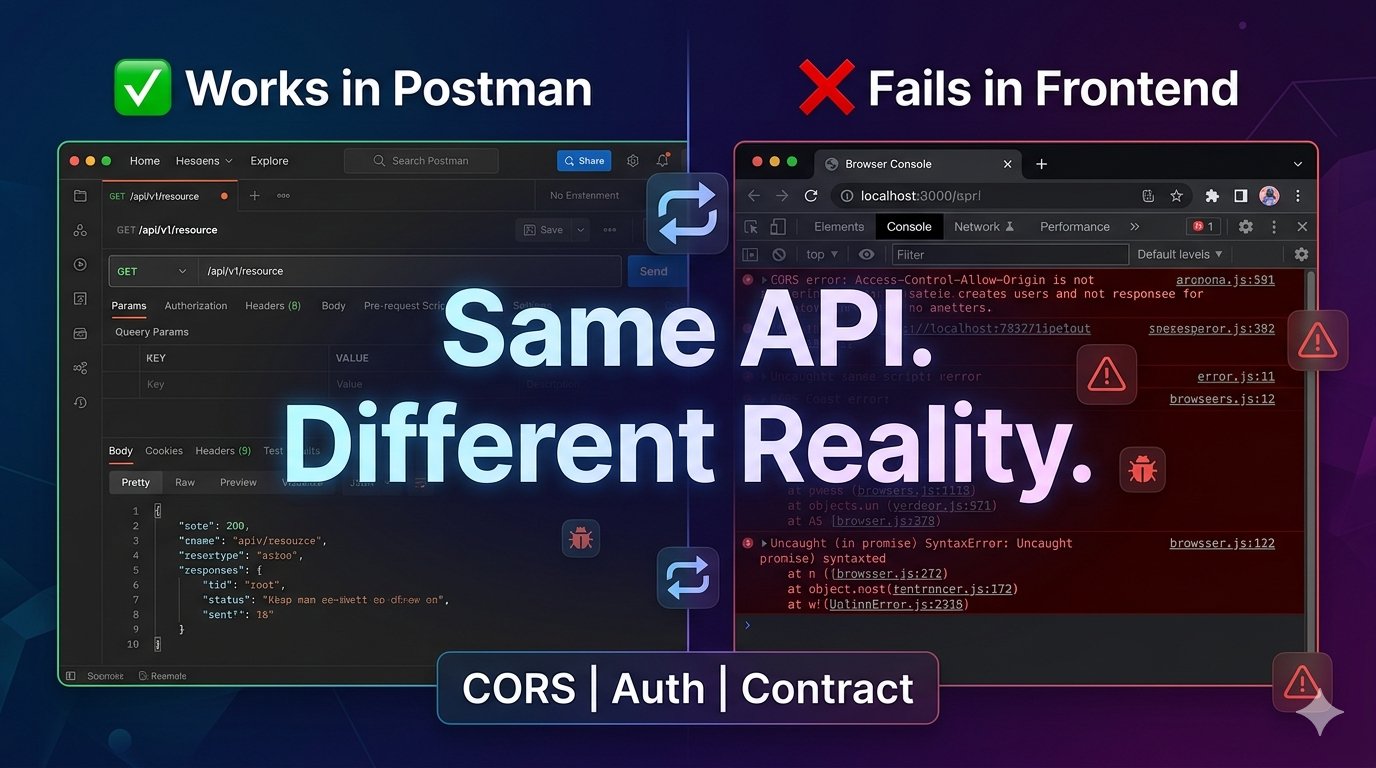
Have you ever faced unexpected issues where everything worked perfectly in Postman but failed in your frontend?
Check this blog:
Api Works In Postman But Not In Frontend
Save this for later
Share with your team


No comments yet
Be the first to start the discussion!